Roboweb.team — studio website and client portal
A studio website and workspace for clients and the team: tasks, deadlines, approvals, documents, invoices and releases kept with each project.
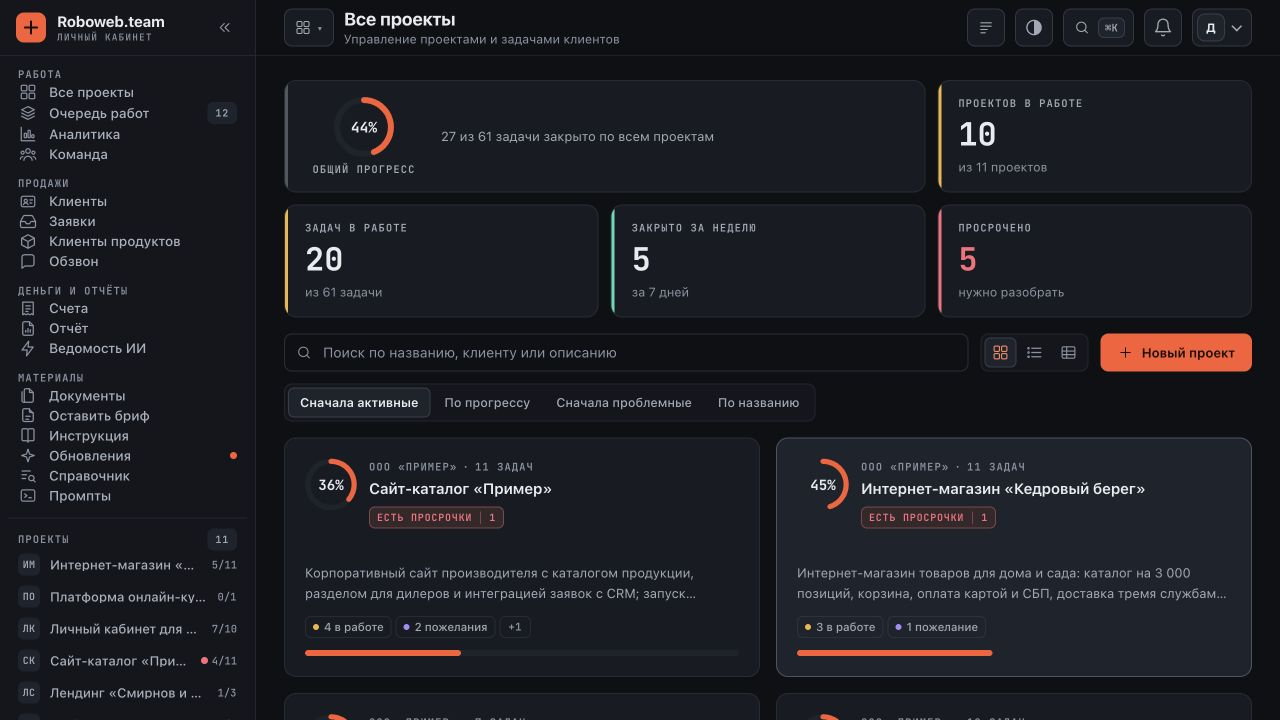
About the project
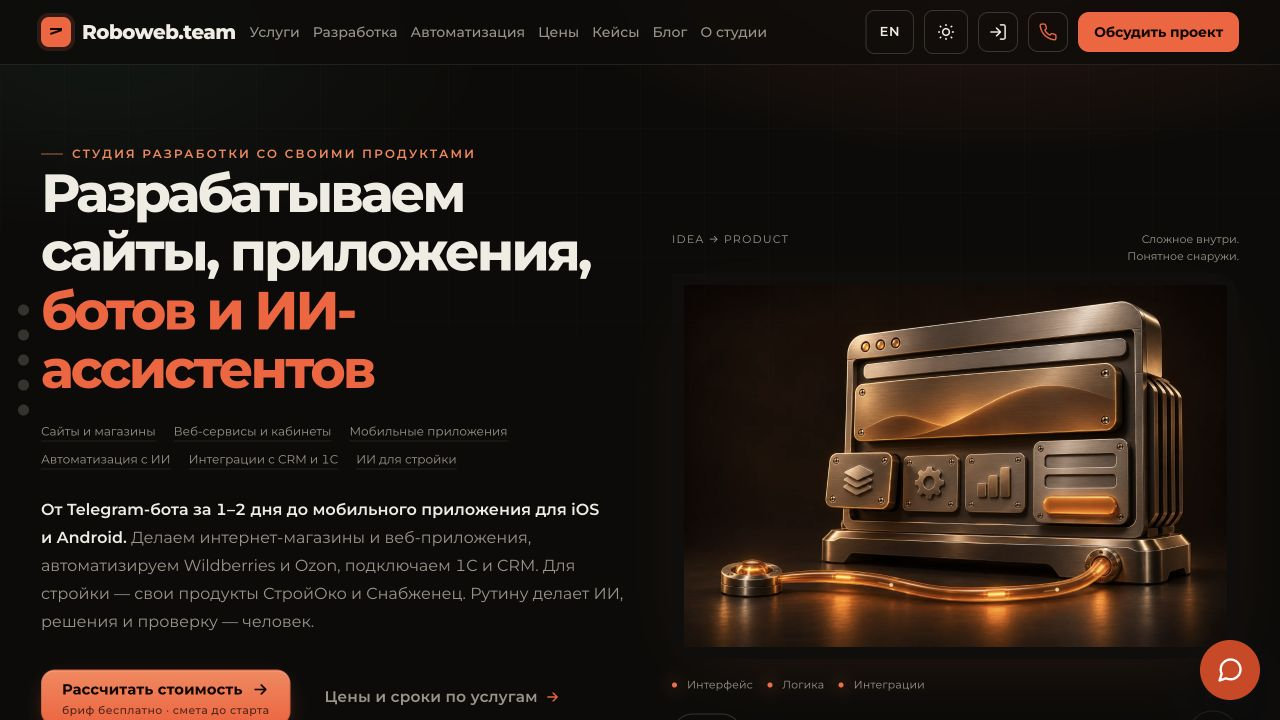
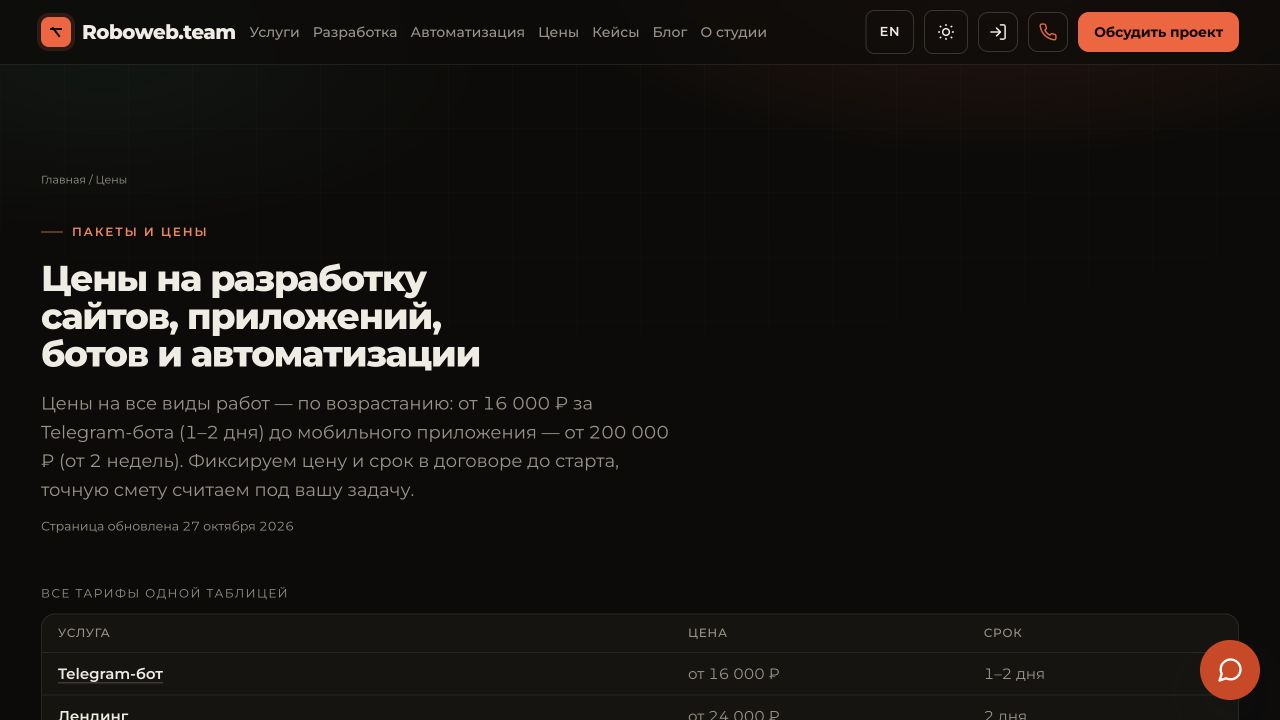
The Roboweb Team website presents the studio’s services and work, helps visitors prepare a brief and starts a development conversation. It connects to our own client portal.
Clients see their project’s tasks, milestones and documents, approve work or request changes. The team manages its shared queue, customers, invoices, analytics, releases and AI usage costs. Access controls separate client and administrative views.
What it does
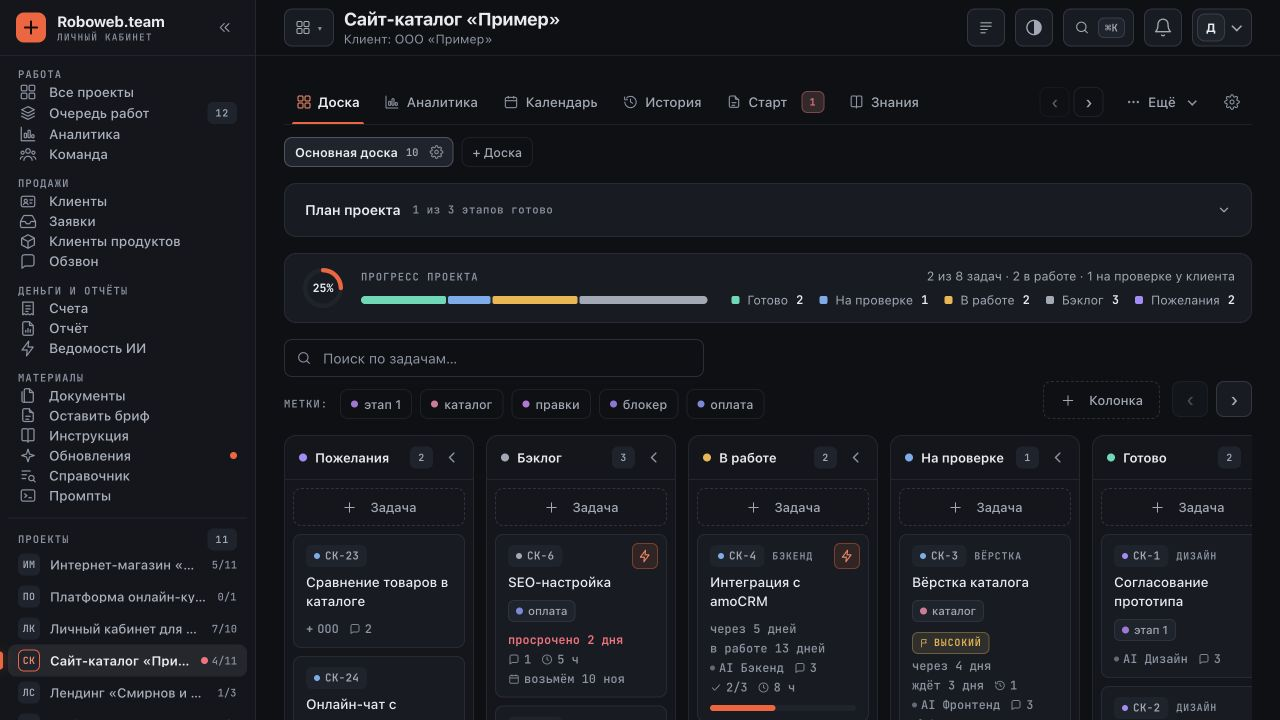
Project boards and work queue
Ideas, backlog, work in progress, review and completed tasks. Multiple boards, priorities, deadlines, labels, subtasks and a shared team queue.
Approval with a history
Clients accept the result or return a task with comments. Discussions, files and change history stay together on the task.
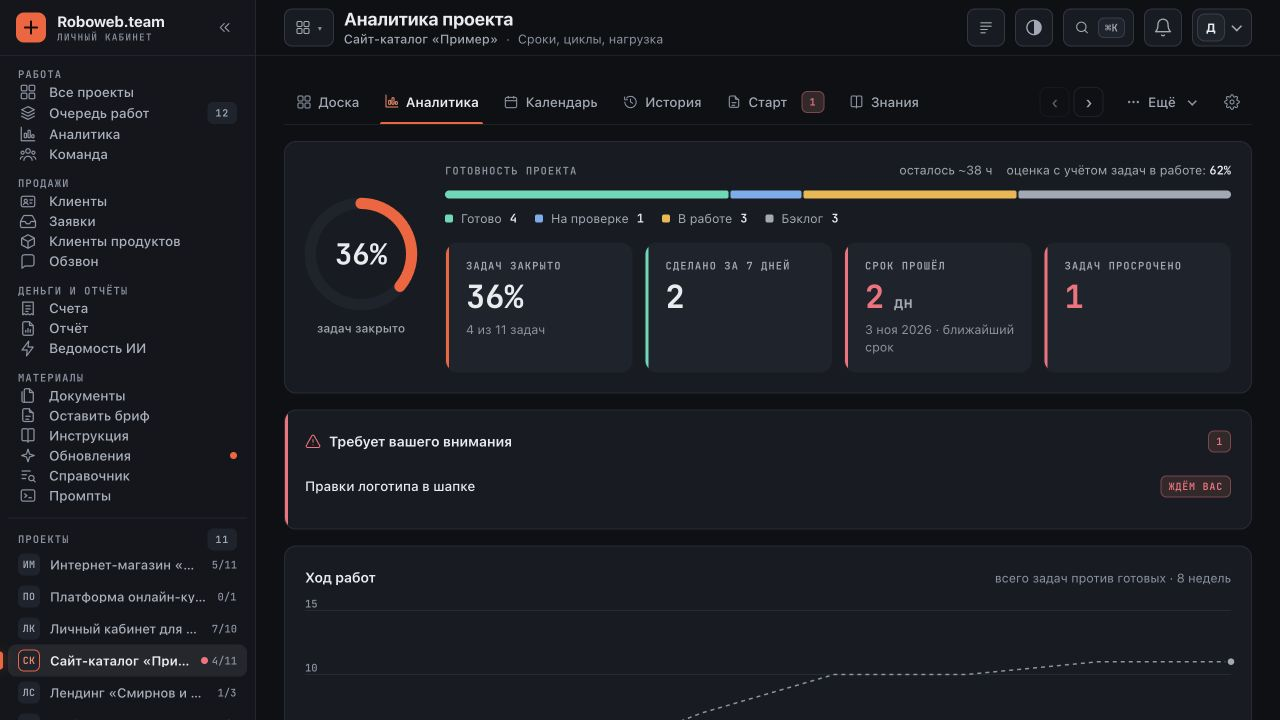
Project analytics
Progress, overdue work, weekly pace, team workload and issued and paid invoices.
Documents and finances
Contracts, attachments, invoices, completion documents and project hours, available according to each participant’s permissions.
Releases and knowledge
Release contents, milestones, decisions and project materials give clients a clear product history.
Team operations
Customers, enquiries, documents and a separate AI usage ledger. Search and notifications help the team keep track of the work.
Inside the client portal
Current website and demo client portal screens
Tech stack
Outcome
Want something like this?
We build sites, platforms and mobile apps around your task — turnkey, fast and with a client portal so you can watch the work. Free scope and timeline estimate — we usually reply within an hour during business hours.
Discuss a project